Case Study
Chibi — A Digital Pet for Your Desktop
A native Mac app with a small animated pet that lives on your desktop — built to improve mental health during stressful work. My first Rust + Tauri project, shipped using agentic coding.
Client
Role
Timeline
Industry
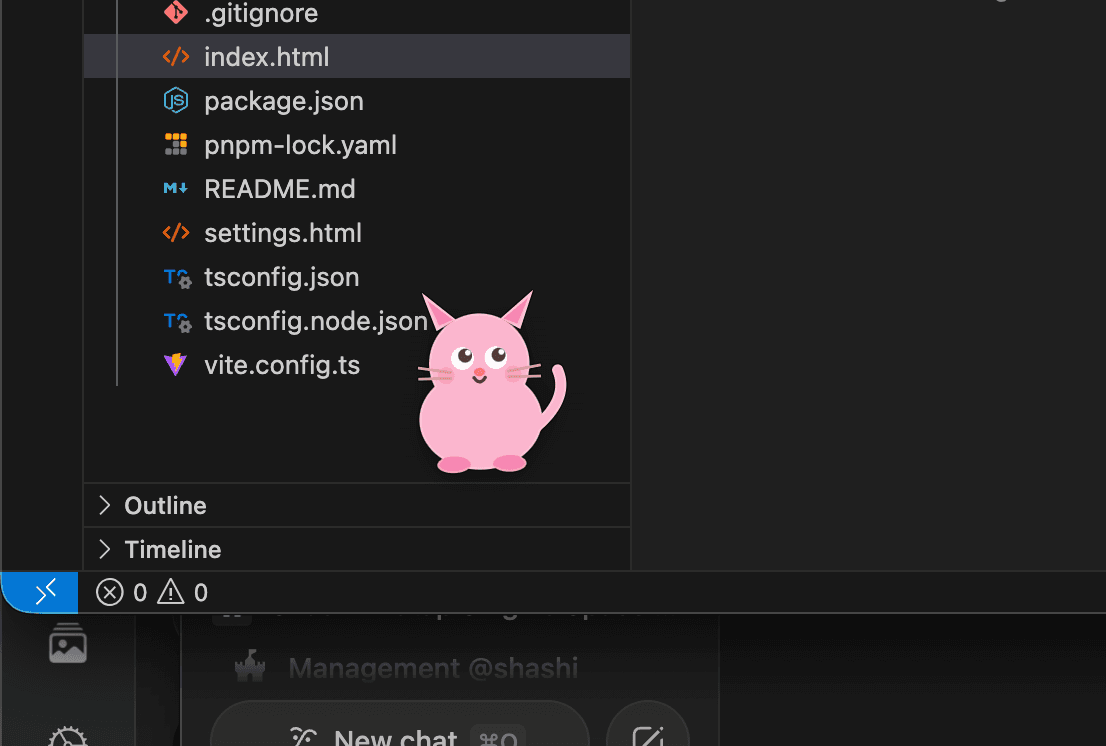
I was in a stressful stretch of work. Back-to-back deadlines, too many tabs, too little breathing room. I didn't want another productivity app. I didn't want another meditation app. I wanted a pet. So I built one — a native Mac app with Rust, React, and a state machine. It lives on my desktop now.
Native
Mac App
1st
Rust Project
Daily
Companion
Why Another Wellness App Wasn't Going to Work
Every wellness app does the same thing: it interrupts you. It pings you with a breathing exercise at 3 PM. It asks you to rate your mood on a 1-10 scale. It guilts you for not meditating. It treats your stress as a task you're failing to complete.
What I actually needed wasn't an app that helps me. I needed something on my screen that made me feel better while I was working. Not something to stop working for. Something that quietly, gently, just existed — and occasionally made me smile.
The wellness-app trap
I needed a companion, not another chore
A Pet, Not a Program
The answer was stupidly obvious the moment I let myself think it: a pet. Something alive. Something cute. Something that doesn't need me to engage with it — it engages with me, at its own pace. Something that walks around, naps, dances, and occasionally says something silly in Hinglish.
What I built isn't a wellness app. It's a companion. And the difference between those two things is the whole product.
The insight
Everything after this was execution.
Meet Chibi
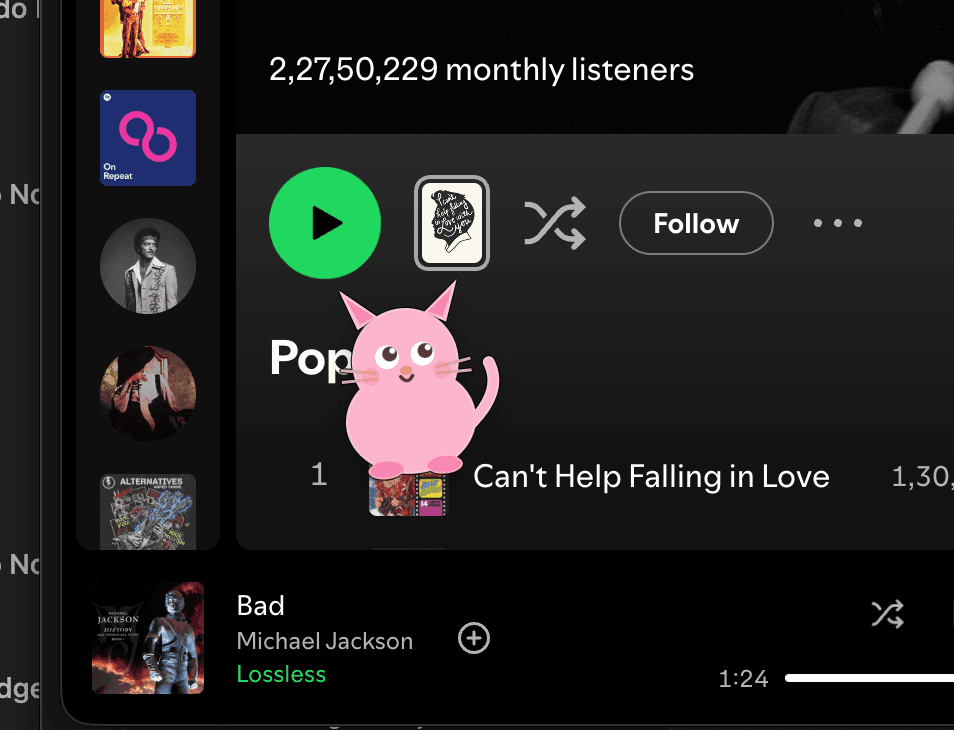
A small animated pet that lives on your desktop. Transparent window, always on top, skips the dock, visible on every workspace. It walks along the bottom of your screen, occasionally talks, sometimes sleeps, sometimes dances. You work around it. It coexists with you.
Pick Your Pet
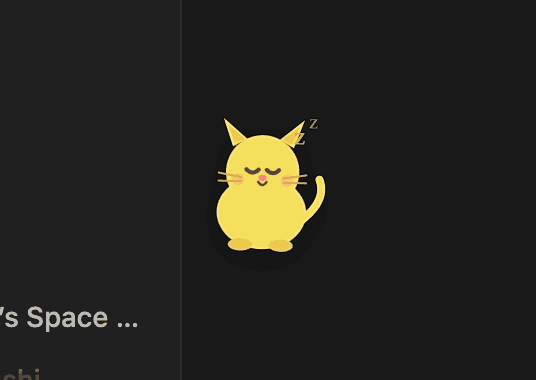
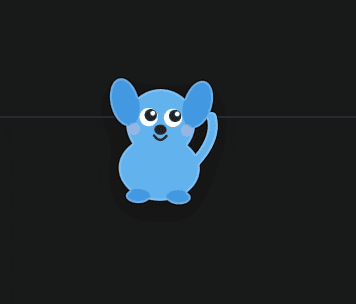
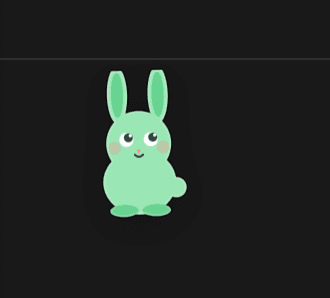
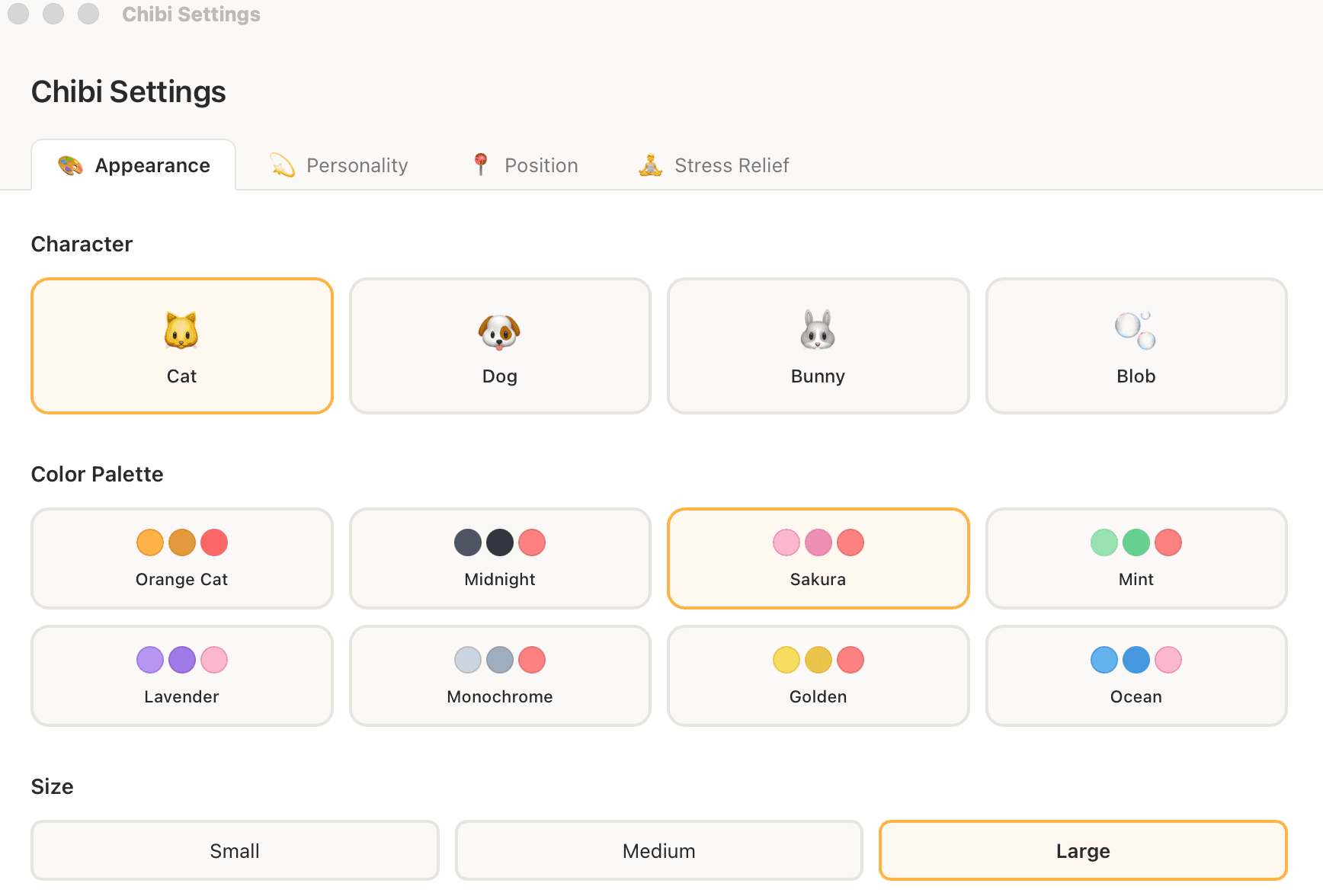
Four characters, each a custom-drawn sprite system: Cat, Dog, Bunny, Blob. Every one reacts to the same state machine, so you're picking a vibe — not losing a feature.
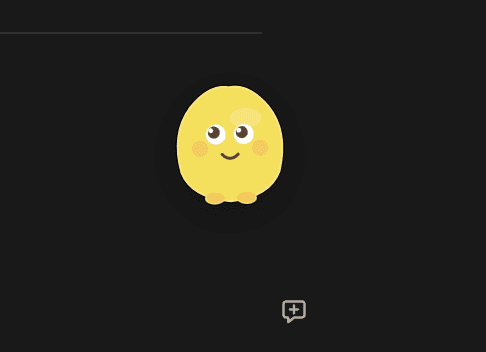
Pick Your Personality
Five personalities, each a real behavior change — not a cosmetic label.
- Cheerful — balanced, friendly, occasional dancing
- Calm — slow, thoughtful, long naps, gentle movement
- Energetic — fast, always walking, loves to dance, rarely sleeps
- Sleepy — curls up often, moves slowly, quiet
- Goofy — unpredictable, maximum dancing, Hinglish-heavy
Personality is behavior, not label
Five genuinely different experiences
The State Machine
Chibi runs a proper state machine under the hood — 7 states (idle, walking, popup_message, sleeping, dancing, breathing, break_reminder), each with a min/max duration and weighted transitions. Personality profiles override those weights. The behavior isn't random — it's composed.
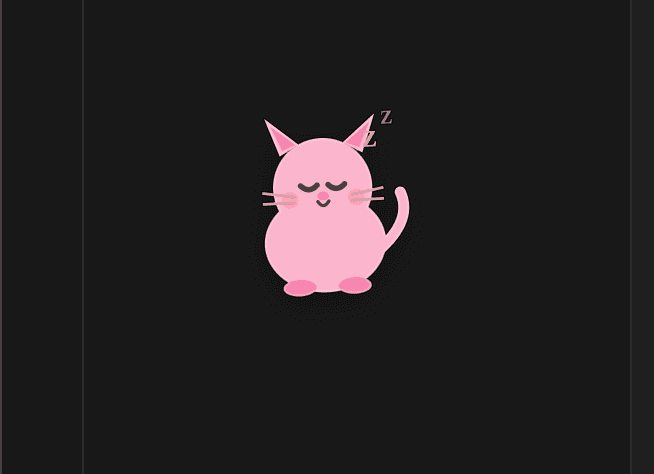
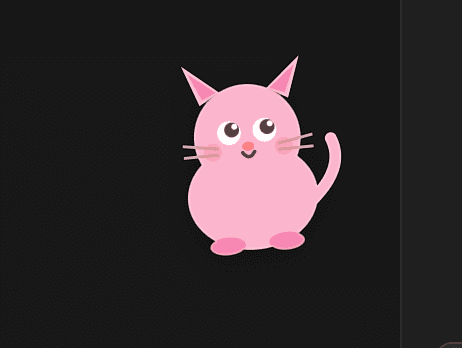
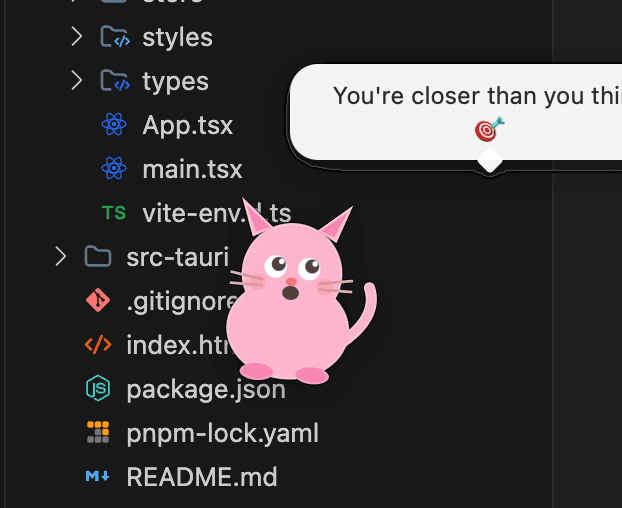
Designed to Be Yours
A companion you can't shape isn't a companion — it's a widget. Chibi has a proper settings window (a separate Tauri window, so it doesn't interrupt the pet) with four tabs:
- Appearance — character, palette, size (small / medium / large)
- Personality — one of five profiles, each with real behavioral differences
- Position — movement mode (walk along bottom, stay put, roam free), walk speed
- Stress Relief — breathing timings, break reminders, message categories
The Wellness Layer, Done Right
This is where Chibi becomes genuinely useful. Two features that turn a novelty into a tool — with design restraint baked in.
Guided Breathing
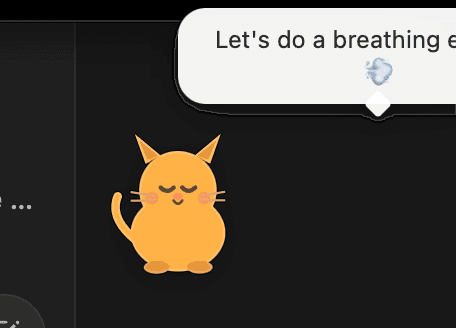
A box-breathing exercise built into the pet itself. Configurable inhale, hold, and exhale durations, plus cycle count. The pet animates along with the breathing — expanding on inhale, holding, contracting on exhale. You're not opening a separate app — your pet is literally breathing with you.
Break Reminders
Pomodoro-style timer. Configurable interval and break duration. When the timer fires, the pet shifts into a new state and nudges you gently — no popups, no notifications, no guilt.
Off By Default
Both features are disabled out of the box. You have to turn them on. The best wellness feature is the one the user chose — not the one forced on them. Respect compounds faster than reminders.
Design restraint
The product respects the user from the first launch.
The Pet in the Wild
Chibi doesn't take over your screen. It coexists with it. You work. The pet walks. Sometimes it says something funny in Hinglish. You smile. You keep working. That's the design.
My First Native App
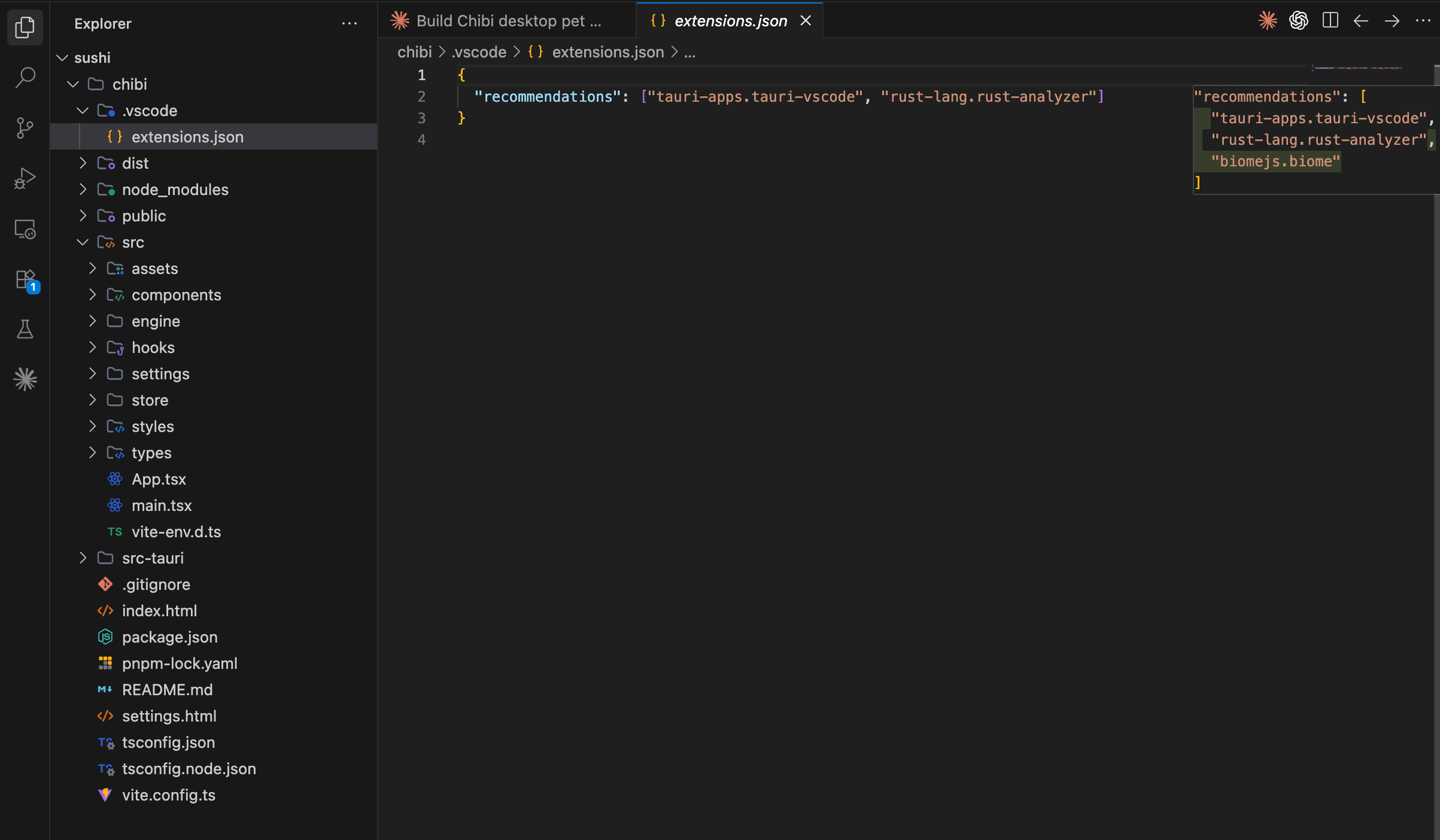
I'd never written Rust. I'd never used Tauri. I'd never built a native Mac app. Agentic coding let me ship one anyway.
Shell & Native
- Tauri v2 (native Mac app, tiny footprint)
- Rust (window management, transparency, always-on-top)
- macOS private API for multi-workspace visibility
- @tauri-apps/plugin-store for persisted config
- @tauri-apps/plugin-positioner for window anchoring
Frontend & Feel
- React 19 + TypeScript
- Vite for instant dev loop
- Framer Motion for sprite animations
- Custom sprite components (one per character)
- Dual-window architecture (pet + settings)
Native feels different than web
A real Mac app that actually lives on your desktop
Shipping in a Stack I Didn't Know
This project taught me something important: agentic coding doesn't just make you faster — it unlocks entire stacks. I shipped a Rust-backed native Mac app as my first Rust project, because I didn't have to become a Rust developer. I just had to be a product designer who could direct one.
How I Actually Worked
- I described the end state. "Transparent always-on-top Mac window with an animated pet inside. Separate settings window. Native config persistence. Built with Tauri because I want a real native app."
- AI chose the right tools. Tauri v2, which Tauri plugins I needed, the macOS-specific gotchas (macOSPrivateApi: true, visibleOnAllWorkspaces). I didn't know to ask.
- I built in layers. Pet window first, then state machine, then personalities, then settings, then stress relief. Every layer a focused AI session with clear scope.
- I read the Rust. Every line. I can now read Rust confidently, even if I still wouldn't write it from scratch. That's the point — understand your app, don't build every piece.
- I tuned the feel myself. Animation speeds, state transition weights, message cadence. The AI can't do this part — this is design work, and it takes taste.
The step change
My range expanded overnight.
The Decisions That Make It Feel Right
Personality as Behavior, Not Label
Every other "cute character" app uses personality as a cosmetic choice. Chibi treats it as behavior. Cheerful cat vs Calm cat — genuinely different experiences. Transition weights, animation speeds, message mix all shift with the personality you pick.
Hinglish Messages
Most wellness messaging is in corporate English. Chibi speaks Hinglish — Hindi-English mixed one-liners that feel like a friend from back home, not a mindfulness coach. Small design choice, outsized emotional impact. This is what "cultural texture in design" looks like in practice.
Off By Default
Every wellness feature is opt-in. Break reminders: off. Breathing prompts: disabled until you turn them on. The product assumes the user knows what they want — then provides it.
Native, Not Web
Could've built this as a Chrome extension or Electron app in an afternoon. Didn't. Native Mac app with transparent windowing and private API access — that's the experience this product needed. Electron would have felt like a pet in a jar. Tauri lets the pet actually live on the desktop.
If a Tool Doesn't Fit, Build Your Own
This is the pattern. Gamma automated my thumbnail production. SkillIssue turned friend dares into a real product. Menderbug fixed my image generation workflow. Chibi took care of my mental health while working. Different stacks. Different domains. Same underlying thesis:
The repeating move
Designers with this workflow can solve any problem they notice
Results
Native
Mac App
4×5
Characters × Personalities
Daily
Companion
- A real native Mac app with Tauri + Rust + React 19
- 4 sprite characters × 5 personalities × multiple palettes = dozens of unique pet configurations
- Stress relief features (breathing, break reminders) with respectful opt-in defaults
- My daily companion — reduces stress passively, without demanding engagement
- Shipped as a first Rust project, proving agentic coding unlocks new stacks
What I Learned
- Agentic coding unlocks entire stacks — the bigger win isn't speed, it's range
- Wellness design is about restraint — the best feature is the one that's off by default
- Cultural texture matters — Hinglish isn't a localization afterthought, it's a design feature
- Native feels different than web — medium is part of the message
- Personality as behavior is more powerful than personality as label
- Designers can build native apps. That wasn't true for me six months ago. It is now.
I didn't need another productivity app. I needed a pet. So I built one — in a stack I didn't know, using agentic coding as the escalator. That's the whole thesis.